Salesforce trial
If you don't have a Salesforce organization, you can create one for free.
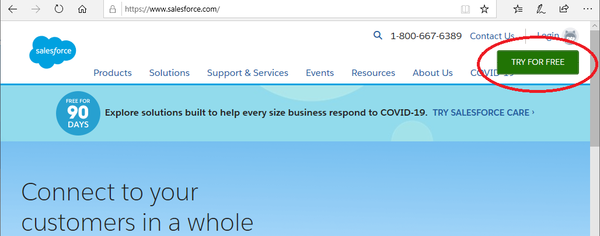
- Go to www.salesforce.com and click Try for free.
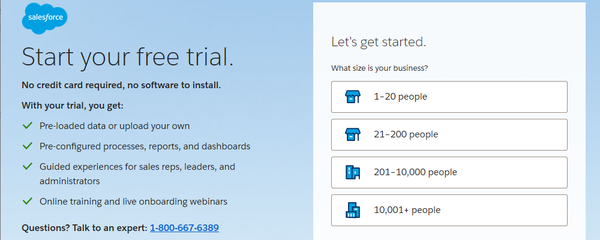
- Answer a few details about your organization.
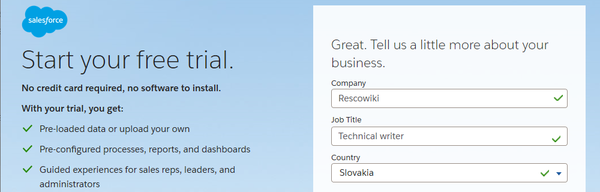
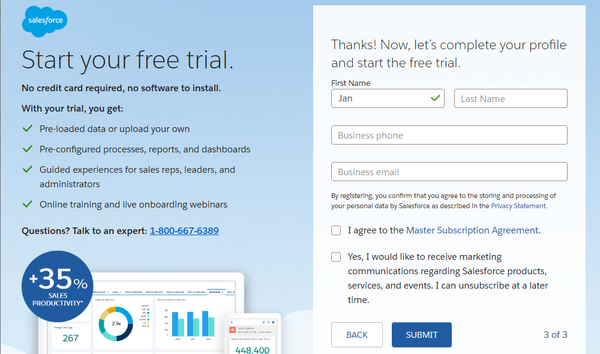
- Click Submit and wait until the organization is created.
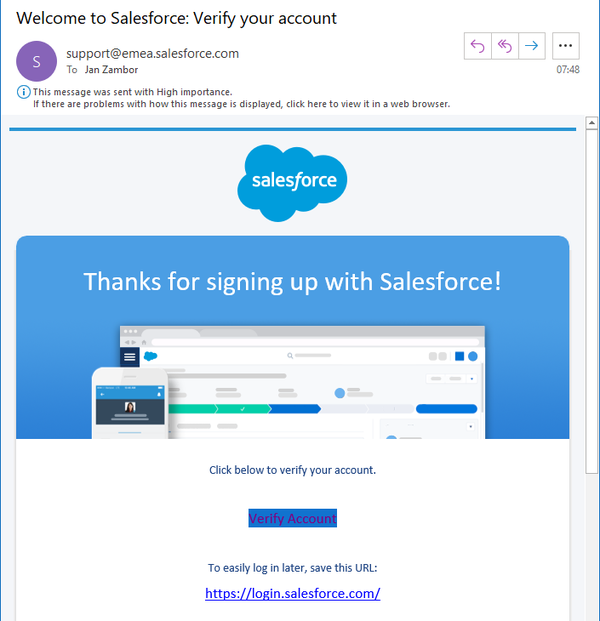
- You receive an email to the address specified in step 2. Click Verify Account.
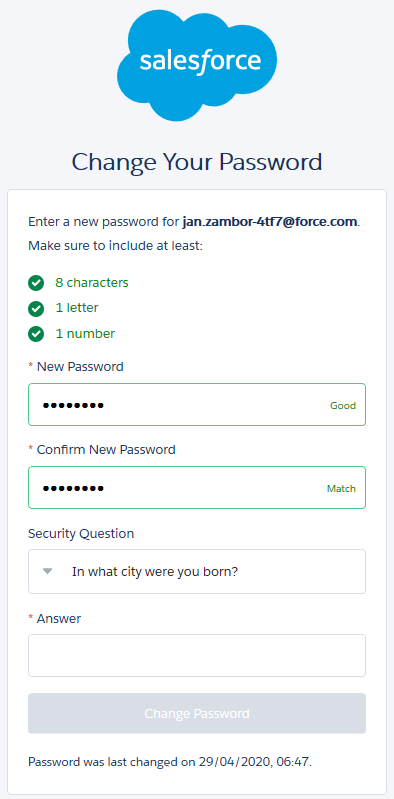
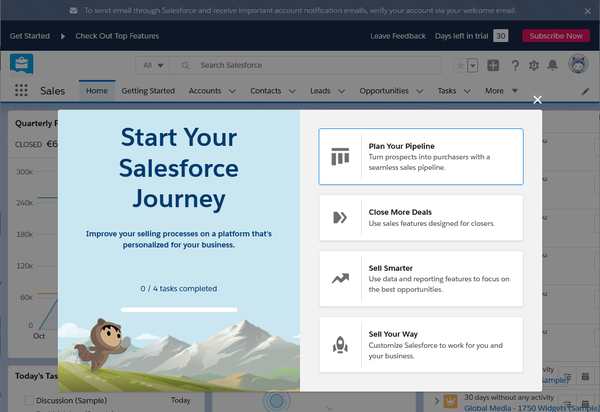
- Change your password and set a security question, then click Change Password.