Salesforce trial: Difference between revisions
Created page with "If you don't have a Salesforce organization, you can create one for free. # Go to [https://www.salesforce.com/ www.salesforce.com] and click '''Try for free'''.<br>File:Sale..." |
No edit summary |
||
| Line 1: | Line 1: | ||
If you don't have a Salesforce organization, you can create one for free. | If you don't have a Salesforce organization, you can create one for free. | ||
# Go to [https://www.salesforce.com/ www.salesforce.com] and click '''Try for free'''.<br>[[File:Salesforce trial 1.png|600px]] | # Go to [https://www.salesforce.com/ www.salesforce.com] and click '''Try for free'''.<br>[[File:Salesforce trial 1.png|600px|alt=Salesforce trial step 1]] | ||
# Answer a few details about your organization.<br>[[File:Salesforce trial 2.png|600px]]<br>[[File:Salesforce trial 3.png|600px]]<br>[[File:Salesforce trial 4.png|600px]] | # Answer a few details about your organization.<br>[[File:Salesforce trial 2.png|600px|alt=Salesforce trial step 2]]<br>[[File:Salesforce trial 3.png|600px|alt=Salesforce trial step 3]]<br>[[File:Salesforce trial 4.png|600px|alt=Salesforce trial step 4]] | ||
# Click '''Submit''' and wait until the organization is created.<br>[[File:Salesforce trial 5.png|600px]] | # Click '''Submit''' and wait until the organization is created.<br>[[File:Salesforce trial 5.png|600px|alt=Salesforce trial step 5]] | ||
# You receive an email to the address specified in step 2. Click '''Verify Account'''.<br>[[File:Salesforce trial 6.png|600px]] | # You receive an email to the address specified in step 2. Click '''Verify Account'''.<br>[[File:Salesforce trial 6.png|600px|alt=Salesforce trial step 6]] | ||
# Change your password and set a security question, then click '''Change Password'''.<br>[[File:Salesforce trial 7.png]] | # Change your password and set a security question, then click '''Change Password'''.<br>[[File:Salesforce trial 7.png|alt=Salesforce trial step 7]] | ||
[[Category:Salesforce]] | [[Category:Salesforce]] | ||
Latest revision as of 11:44, 14 November 2023
If you don't have a Salesforce organization, you can create one for free.
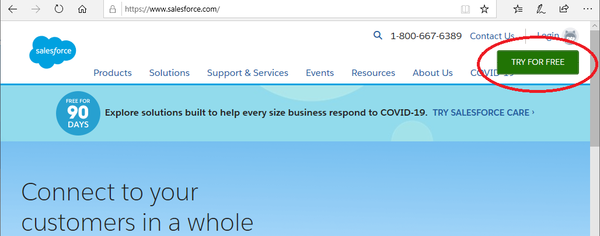
- Go to www.salesforce.com and click Try for free.
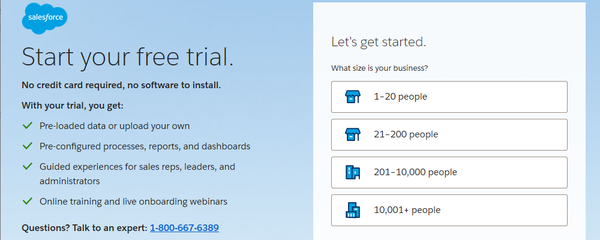
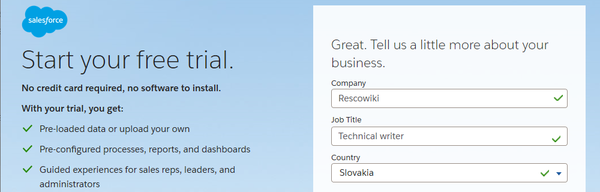
- Answer a few details about your organization.
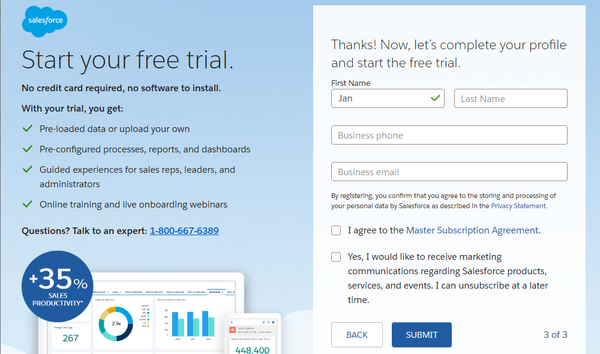
- Click Submit and wait until the organization is created.
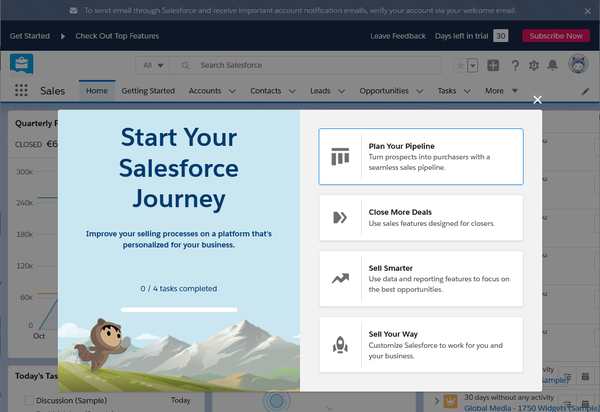
- You receive an email to the address specified in step 2. Click Verify Account.
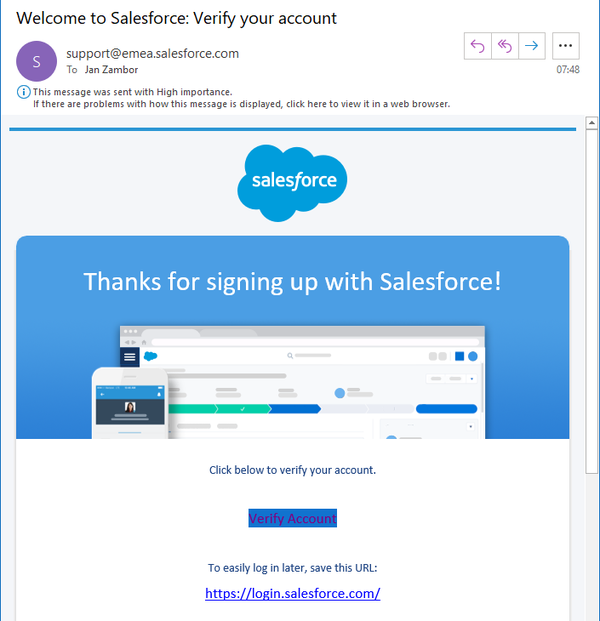
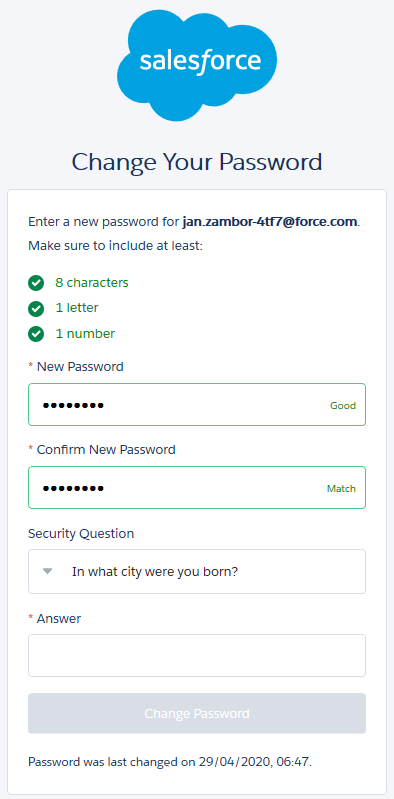
- Change your password and set a security question, then click Change Password.